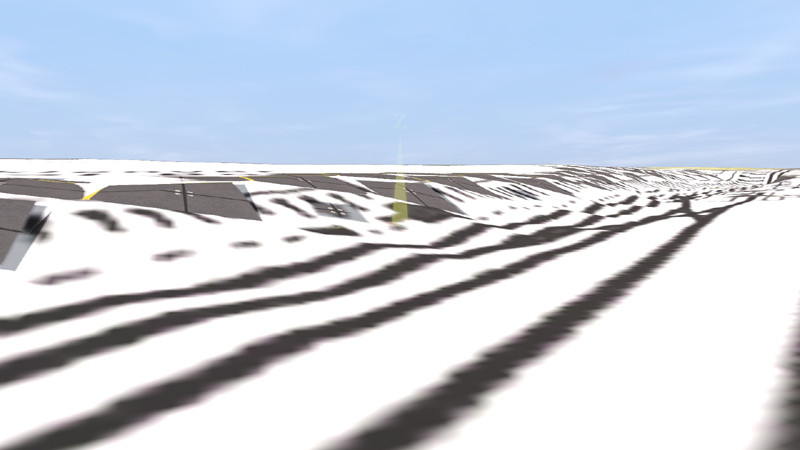
It's hard to tell from this screenshot, what and if anything is going wrong.
First question, as always in such cases, did you succeed with the "Muengsten" tutorial, with all its steps, in particular ground textures and the two UTM tiles?
Secondly, if yes to the first one, I presume you are working on your own route project now. What is your geo data source for ground textures here and what for UTM tiles, what DEM data source? How does it look in TransDEM before exporting terrain and ground textures and how does it look before exporting UTM tiles?