Problem with setting up OSM

Put your support requests here
Post Reply
Message
Author
erblanc0
Posts: 18
Joined: 31 May 2021 17:48

Problem with setting up OSM

#1 Post by erblanc0 »

Hi,

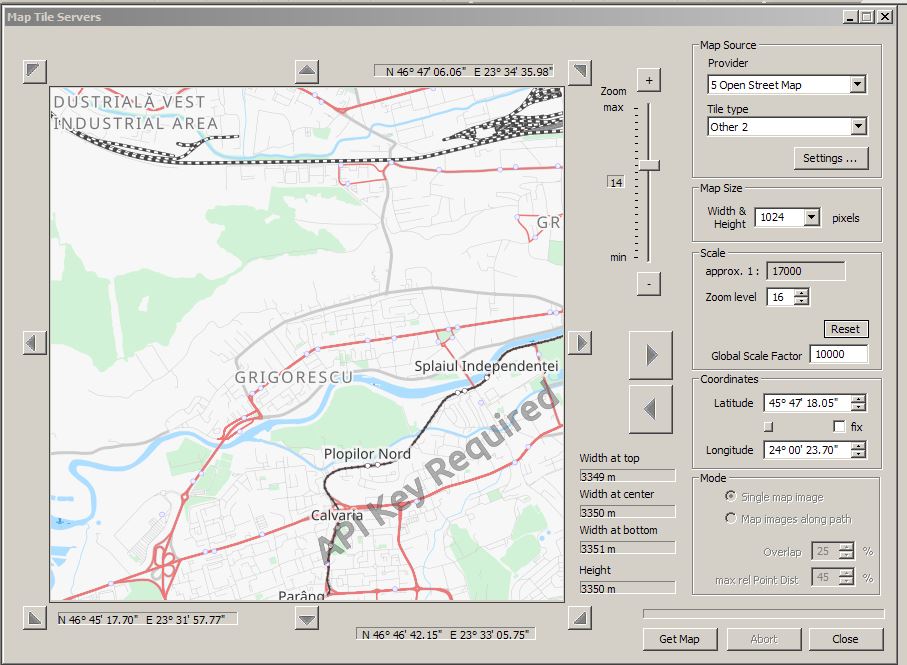
I followed a tip in one of the topics in this forum and imported a OSM data source (.XML), but it gives me this API key required error:

Image

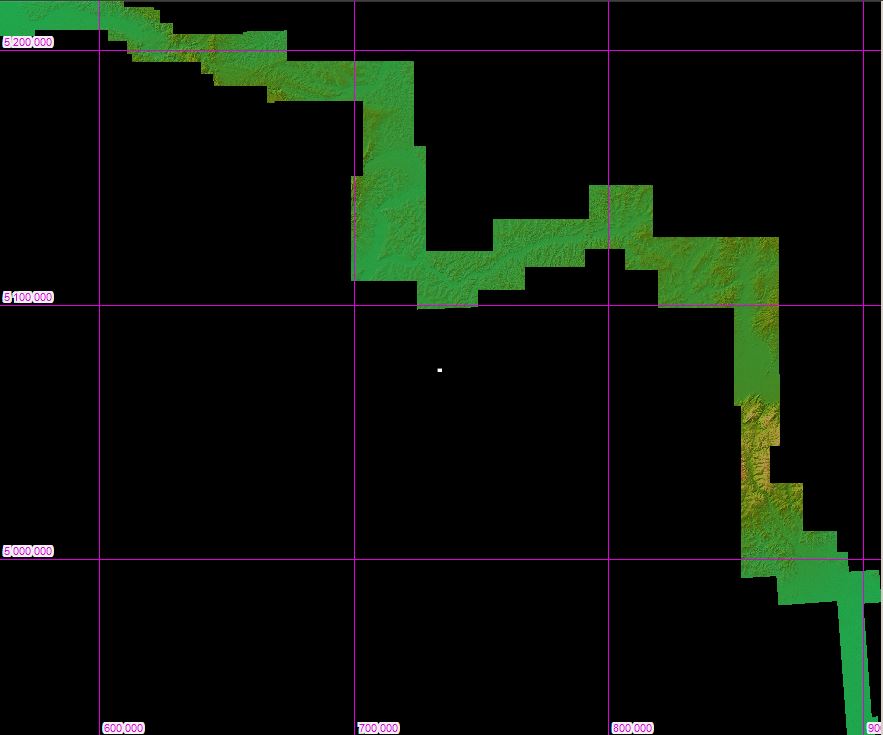
If I use this as-is, it places it in the middle of my map:

Image

Now I'm sure this is an easy fix and I misread the tutorial somewhere, but I can't pinpoint it right now..
erblanc0
Posts: 18
Joined: 31 May 2021 17:48

Re: Problem with setting up OSM

#2 Post by erblanc0 »

I have also obtained the API key from Thunderforest.
geophil
Posts: 1516
Joined: 05 Jan 2011 16:45
Contact:

Re: Problem with setting up OSM

#3 Post by geophil »

Either the xml map tile settings or the version of TransDEM you are running appear to be somewhat older. The Provider should read "Open Street Map" (without number) and the tile type "Transport". The more modern variants would allow HTTPS connections and transparency.

I don't know what the limits for the OSM affiliates "Transport" or "Cycle" layers without an API key are, but the basic "Map" layer or "Open Topo Map"/"Map" are free and don't need a key.

And it has nothing to do with the placing of the map tile. For proper placing you should zoom in on the DEM. The center of the TransDEM main window is used as the reference coordinates for the Map Tile and the WMS client. I recommend to work through the Map Tile tutorial (#7) in the TransDEM main manual.
Post Reply