More as a doodle than anything else, I thought I would have a go at recreating something resembling the HK tram line.
However there seem to be horrible inconsistencies between the DEM data, both the 90m SRTM and 30m Aster, when overlaid with Open Street Map. Even after shifting the DEM to try and fit the map I still ended up with huge humps in the middle of what should be the level area where the trams run, with the hills behind. Use of Google Street View has confirmed apart from some minor gradients, the tram route is relatively flat and level. I may try again tomorrow with an overlay of Google or Yahoo Maps but these are not as detailed or colour contrasted as OSM.
Thoughts, anyone? Is there any better source of DEM or mapping for the area or is this a project I'm just going to have to forget?
Hong Kong - Something Isn't Right
Re: Hong Kong - Something Isn't Right
Vern, keep in mind that both SRTM and ASTER are orbital DEMs. The satellite sensors don't have the slightest clue about the landscape and don't recognise built-up areas, let alone sky-scrapers or forests.
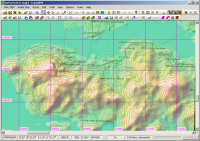
Taking that into account it doesn't look too bad for Hong Kong Island (with SRTM):
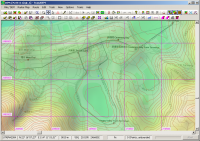
Of course, getting closer to the tram line, the picture is not as good. You can't really see the ground. However, where there are no buildings, as at the Happy Valley race court, the DEM is close enough.
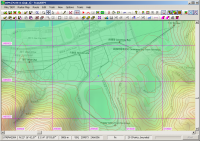
Your only option will be to manually flatten the DEM. You can try with TransDEM DEM editing tools, like I did in this quick example, or use Trainz Surveyor:
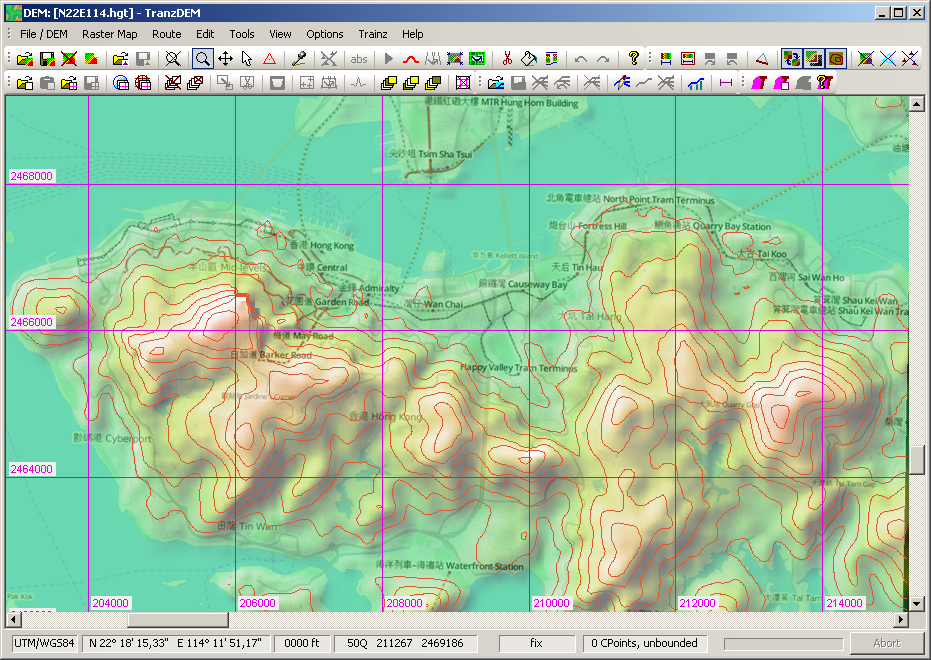
Taking that into account it doesn't look too bad for Hong Kong Island (with SRTM):
Of course, getting closer to the tram line, the picture is not as good. You can't really see the ground. However, where there are no buildings, as at the Happy Valley race court, the DEM is close enough.
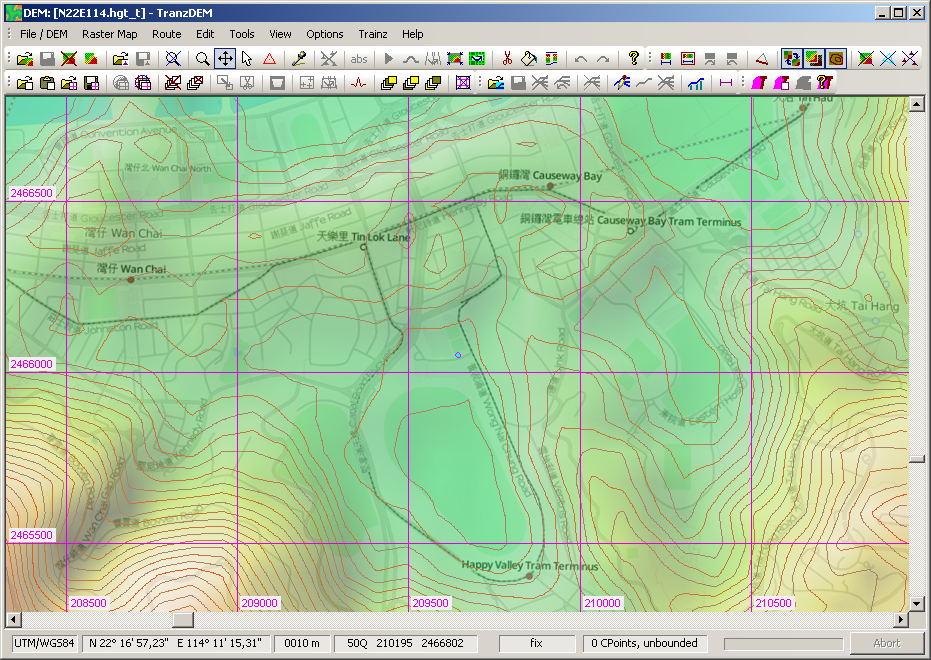
Your only option will be to manually flatten the DEM. You can try with TransDEM DEM editing tools, like I did in this quick example, or use Trainz Surveyor:
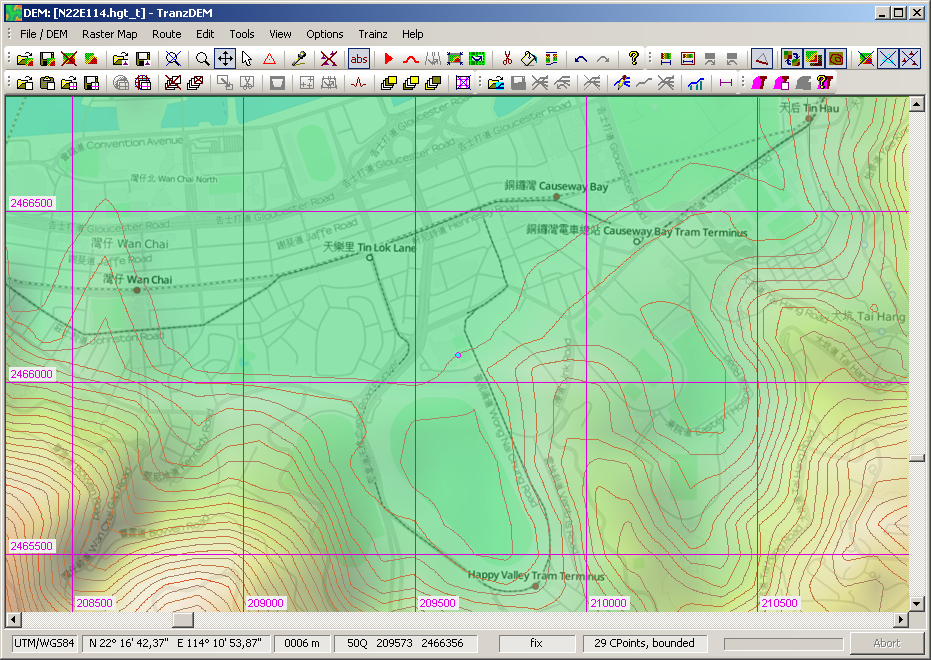
Re: Hong Kong - Something Isn't Right
Thanks for that Roland, I suspected manually flattening the DEM might be the only way. Happy Valley should provide a reasonable guide as to the amount of offset required though.
Out of interest, which maps did you use in your overlay?
Out of interest, which maps did you use in your overlay?
Re: Hong Kong - Something Isn't Right
That's Open Street Map in "Transport" flavour. It emphasizes railways and tram lines: OSM Transport Map ConfigBigVern wrote:Out of interest, which maps did you use in your overlay?
Re: Hong Kong - Something Isn't Right
Still having problems reconciling this and despite reading the tutorial a couple of times, I can't get my head around how to relate control points to contour tracing. A simple tool which allows you to draw a contour at a set height would make life much easier for my aging brain!
Re: Hong Kong - Something Isn't Right
That's pretty simple. Enable contour line emphasis for the triangles. Set the control point template to an absolute height/elevation. Start clicking to place your control points. The contour line should emerge.BigVern wrote:I can't get my head around how to relate control points to contour tracing.
A certain difficulty may arise elsewhere. Controls points need an editing area which will normally be a "bounded region", marked by control points in "fix" mode. This bounded region will be a convex hull. It means that you may have to split the area to edit into more than one region, each one being convex, while the entire area would have had a concave boundary.
My current implementation of the Delaunay triangulation in TransDEM does not allow concavities. Although concavities in the outer boundary can be regarded as a rather simple matter of angle between control points, my algorithm is completely unaware of such forming.
TINs, the triangulated irregular networks, are native to digital cartography. They are actually quite powerful and I will extend their usage in upcoming TransDEM 2.3 to an additional georeferencing option for distorted maps and plans.