Problem exporting city streets
Posted: 31 Jul 2023 14:51
I think I may know what's going on here, but I thought I would check to see if I was maybe missing something.
I have road vectors in TransDEM that look like this...
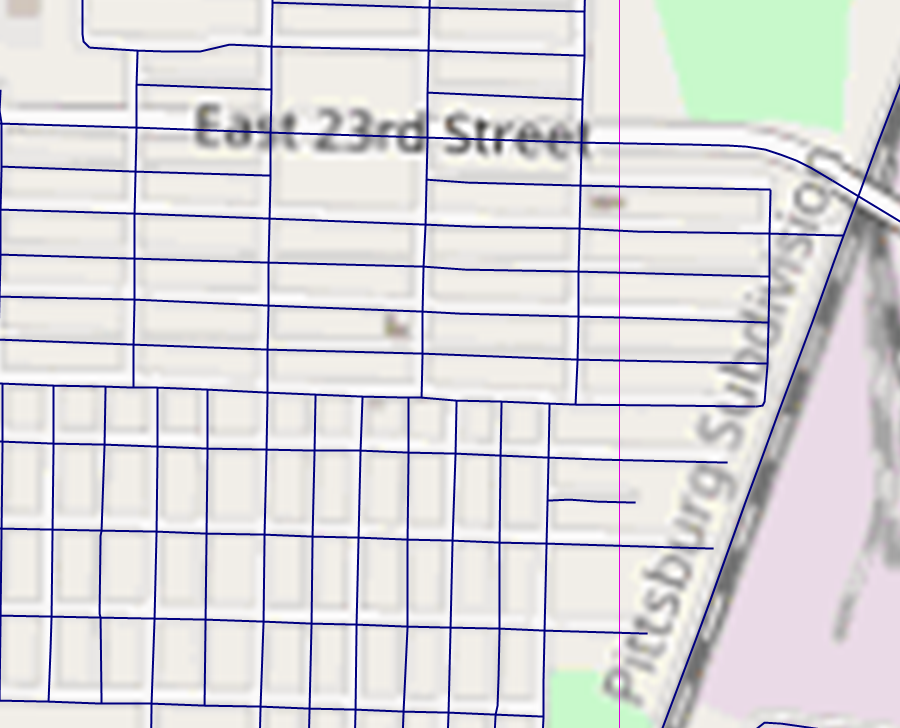
They look pretty good are are relatively well aligned with the raster. When I import them into Trainz, they look like this...
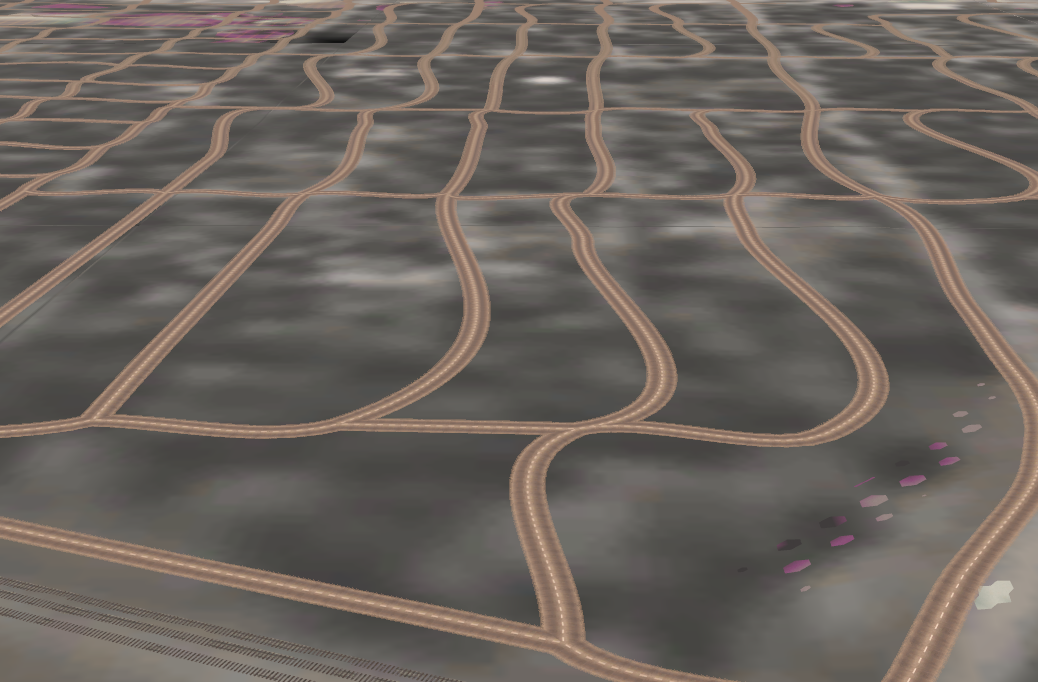
Not so good. My suspicion is that intersection objects are needed where the streets cross to keep them straight and square, and TransDEM doesn't do that (I don't think it does anyway).
Am I correct on this? If so, is there some other way to do city streets in a semi-automated way, or is it best to just place them manually?
Thanks...
Matt
I have road vectors in TransDEM that look like this...
They look pretty good are are relatively well aligned with the raster. When I import them into Trainz, they look like this...
Not so good. My suspicion is that intersection objects are needed where the streets cross to keep them straight and square, and TransDEM doesn't do that (I don't think it does anyway).
Am I correct on this? If so, is there some other way to do city streets in a semi-automated way, or is it best to just place them manually?
Thanks...
Matt