Page 1 of 1
Remove and add UTM tiles?
Posted: 08 Feb 2011 08:42
by spyfrog
Hi
A couple of UMTS tile questions:
1) Do you have to remove them manually one by one (i have 101 of them) or is there another way?
2) If you do remove one - can you add them again or would I have to do that automatic? And how would I know where to add which in that case?
I tried to add with the menu in Transdem 2.0 but I got an error that told me that the baseboards had been altered (I had added my own track to it) and then it removed all my track - is there any way to avoid that?
3) I can't get the UMTS to look good in Trainz 2010 - I have to use 2009. Is there any setting that I need to make in 2010 to make them appear? The tiles are there but the texture doesn't look as it should.
Regards
/Mathias
Re: Remove and add UTM tiles?
Posted: 08 Feb 2011 09:45
by geophil
spyfrog wrote:Hi
A couple of UMTS tile questions:
UMTS = Universal Mobile Telecommunications System
UTM = Universal Transverse Mercator
1) Do you have to remove them manually one by one (i have 101 of them) or is there another way?
Currently there is no explicit removal function on the TransDEM side. What you can try: Delete all UTM tiles for the route in Trainz Content Manager and there may be a function to discard the now "missing dependencies".
2) If you do remove one - can you add them again or would I have to do that automatic? And how would I know where to add which in that case?
UTM tile usage consists of two parts: The UTM tile object itself and its reference in the route file. You could place the UTM tile manually with the help of the UTM grid lines but you would rather let TransDEM do that. TransDEM will usually create a new object, too. You can fine-tune TransDEM behaviour by telling it what to do with existing tiles in the export dialog window.
I tried to add with the menu in Transdem 2.0 but I got an error that told me that the baseboards had been altered (I had added my own track to it) and then it removed all my track - is there any way to avoid that?
Was it this message?
"This export function will be applied to a Trainz map which may have changed since it was created with TransDEM or may not have been created at all with TransDEM Trainz Edition 1.2 or above. Continuing with this export may lead to unexpected results. The export function may abort prematurely and abnormally or may not place objects at the desired locations."
This is a general warning since TransDEM has no control on proceedings in Trainz Surveyor and Content Manager. So if results are not as expected it's not always the fault of TransDEM.

3) I can't get the UMTS to look good in Trainz 2010 - I have to use 2009. Is there any setting that I need to make in 2010 to make them appear? The tiles are there but the texture doesn't look as it should.
Texture not sharp enough or garbled?
Garbled could be the well-known hardware compression issue, introduced with TS2010. You can try to switch this feature off in Trainz Content Manager. Insufficient sharpness could be either low image resolution, low scale or low texture texture resolution.
Re: Remove and add UTM tiles?
Posted: 08 Feb 2011 18:43
by mrscsi
Won't get into the other issues but my 2 cents on getting rid of utms after they are no longer needed I agree with Roland, just delete them in cmp and then open your route in surveyor and select "delete missing assets" and re-save the route.
Works everytime...
Re: Remove and add UTM tiles?
Posted: 21 May 2011 08:13
by pdw123
spyfrog wrote:Hi
3) I can't get the UMTS to look good in Trainz 2010 - I have to use 2009. Is there any setting that I need to make in 2010 to make them appear? The tiles are there but the texture doesn't look as it should.
Regards
/Mathias
Hi - I have a similar problem in TS12. Icannot see the UTM tiles because the wiregrid is too bright/ and I cannot raise or lower the UTM tiles.
Any solutions?
pdw
Re: Remove and add UTM tiles?
Posted: 22 May 2011 18:20
by geophil
pdw123 wrote:Hi - I have a similar problem in TS12. Icannot see the UTM tiles because the wiregrid is too bright/
Now, eventually, I have installed my copy of TS12. Checked the wireframe display and cannot see much difference. The "wires" may look a bit thicker but a have not verified it.
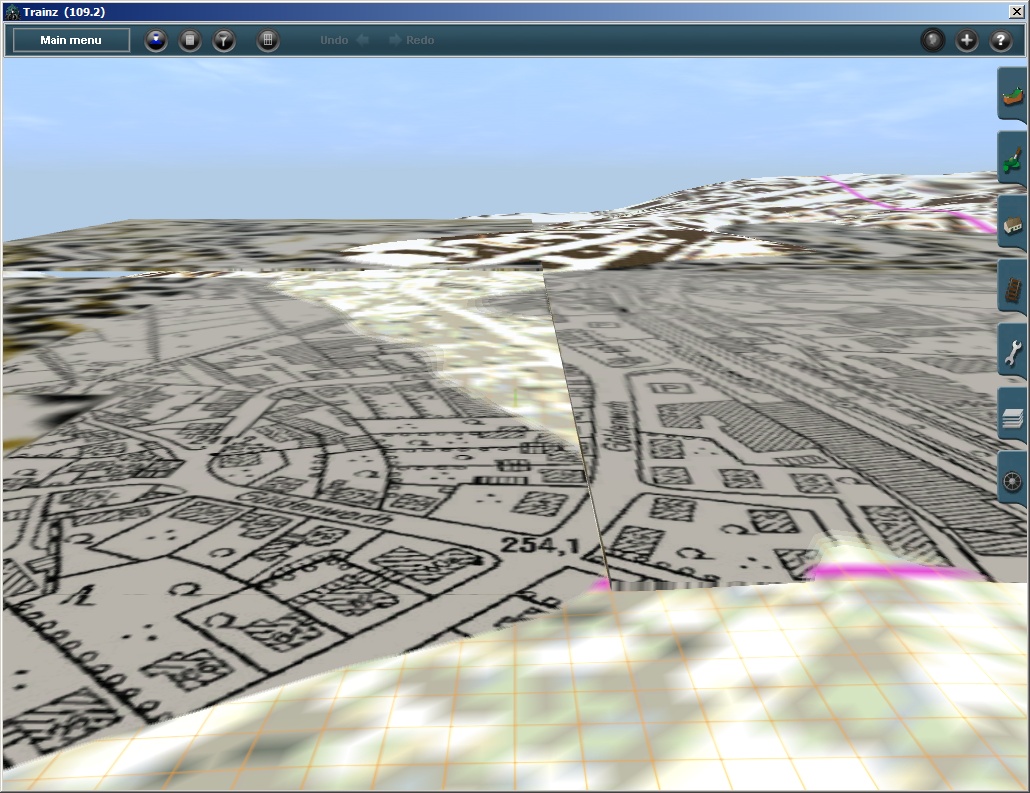
I have attached three TS12 Surveyor screenshots. The first is the standard view with UTM tiles partially submerged. (Ignore the ground texture, it's rubbish. 1:5,000 is no suitable, not even for the 5 m grid.).
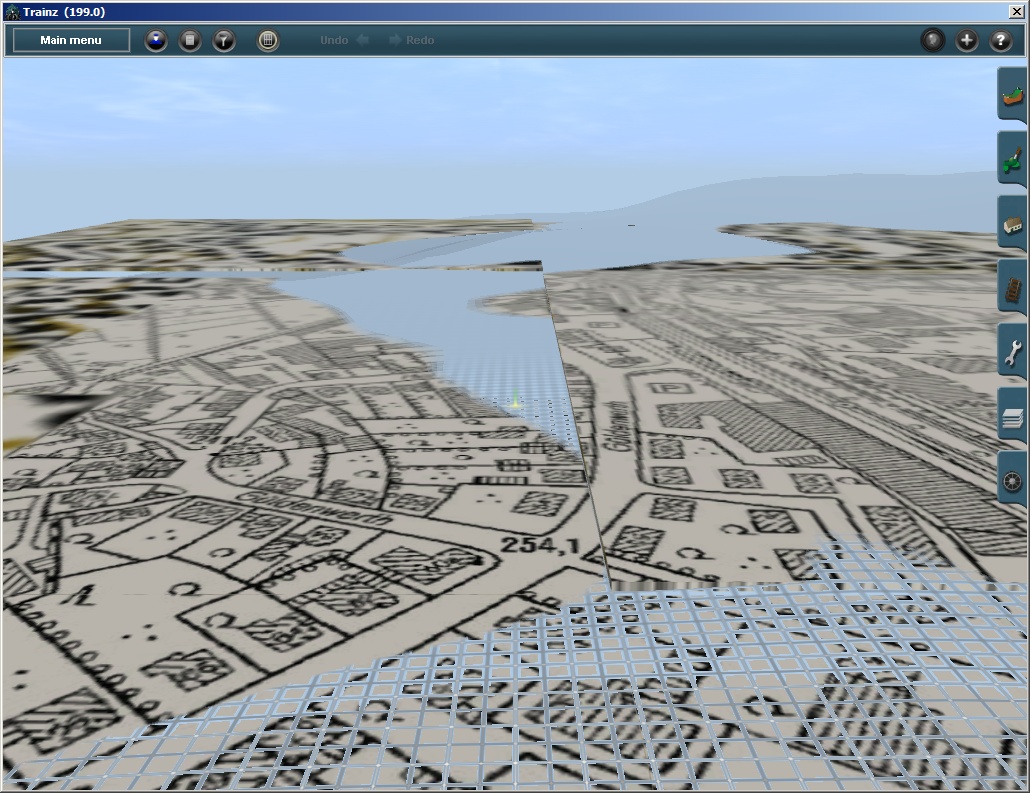
Next one is the same viewing angle in wireframe mode. The wireframe is indeed obscuring the the UTM tile parts which are further away.
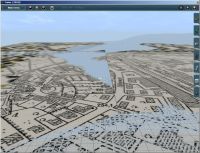
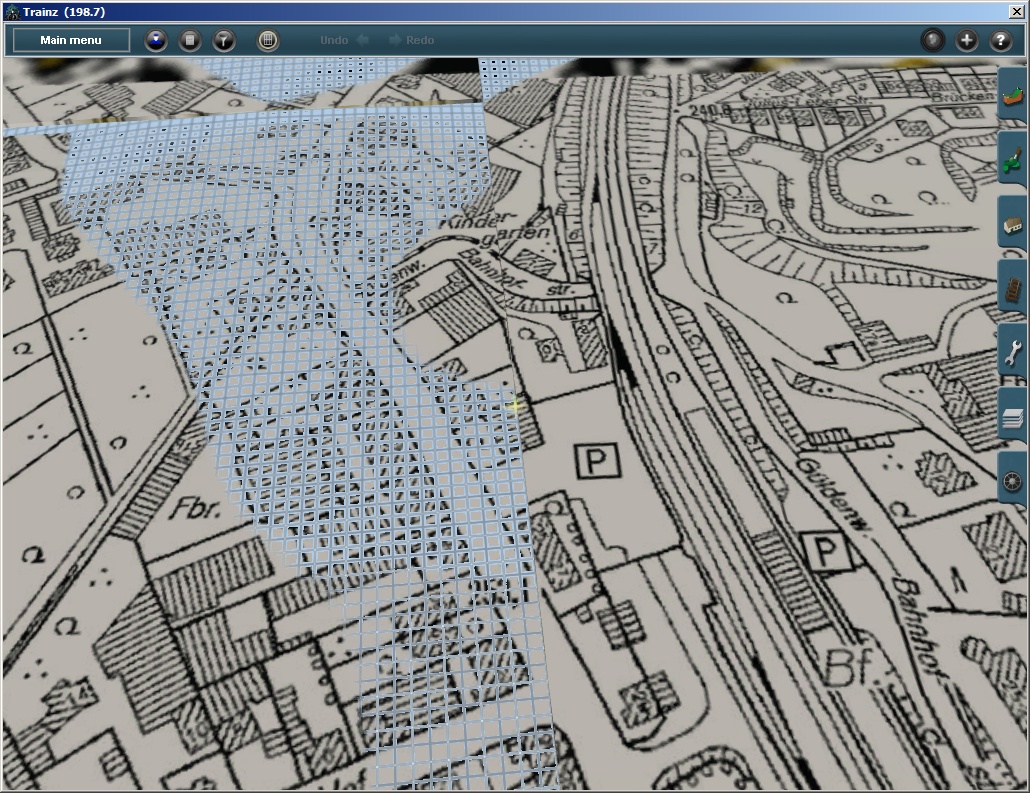
The third shot is taken from a more vertical perspective. The obscured area is revealed. UTM tiles should be used looking from from above anyway.
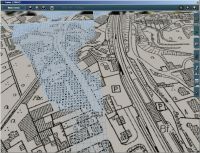
pdw123 wrote:I cannot raise or lower the UTM tiles.
Could you explain a bit more? I could not detect any problems in raising or lowering the tiles.
Re: Remove and add UTM tiles?
Posted: 24 May 2011 12:48
by T8DaGr8
The UTM tiles can be manipulated from the objects tab in surveyor (like with stations).