Geo Data - Australia
Posted: 03 Jan 2013 12:08
NEDF Portal: SRTM-derived 1 arc sec DEM
Geoscience Australia operates the National Elevation Data Framework Portal (NEDF):
http://nedf.ga.gov.au/geoportal/catalog ... earch.page
The 1 arc sec SRTM-based products come in three variants: Regular, smoothed ("S") and hydrologically smoothed ("H"). I recommend type "Smoothed" ("s").
See here for a visual comparison: http://forum.transdem.de/viewtopic.php?f=2&t=213.
Data is free to download for packages up to 400MB (zipped).
How to obtain the NEDF DEMs:
Geoscience Australia operates the National Elevation Data Framework Portal (NEDF):
http://nedf.ga.gov.au/geoportal/catalog ... earch.page
The 1 arc sec SRTM-based products come in three variants: Regular, smoothed ("S") and hydrologically smoothed ("H"). I recommend type "Smoothed" ("s").
See here for a visual comparison: http://forum.transdem.de/viewtopic.php?f=2&t=213.
Data is free to download for packages up to 400MB (zipped).
How to obtain the NEDF DEMs:
- Visit the NEDF Portal search page.
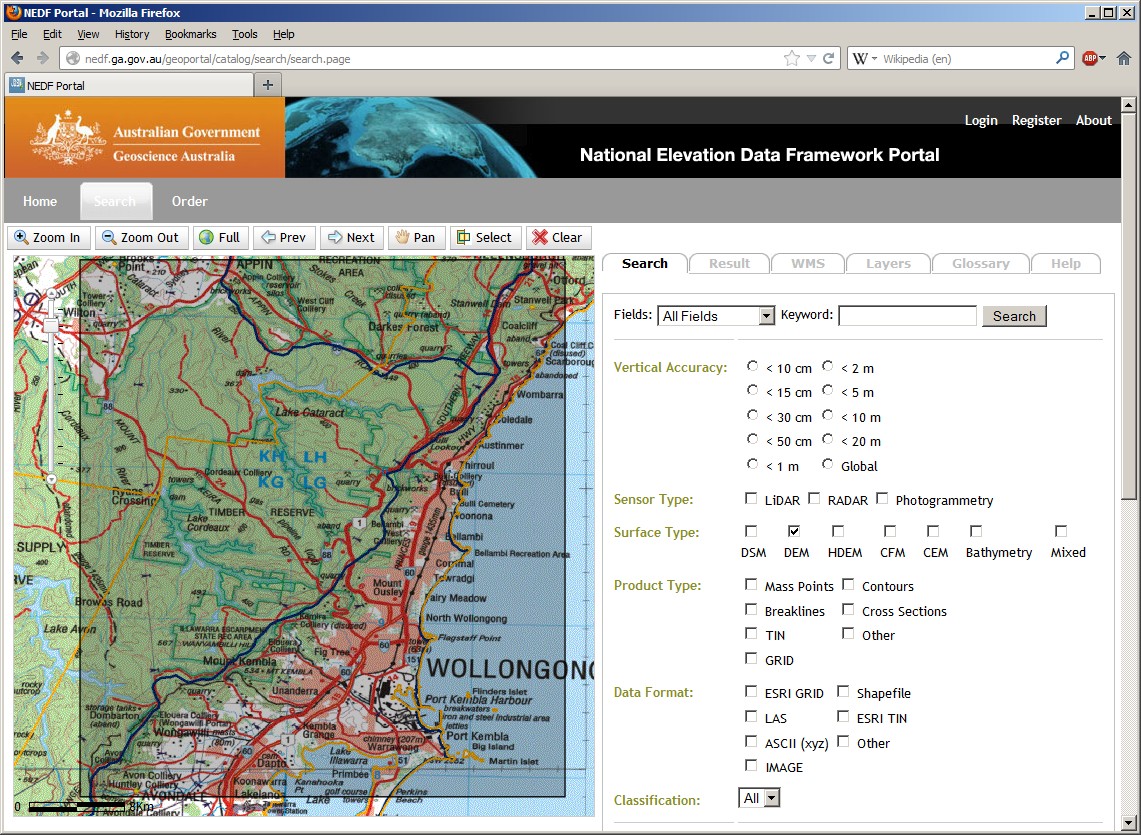
- Zoom and pan the map on the left and select your region of interest. Remember that you can only download up to 400MB in one order, therefore keep your selected region relatively small. The selection with its lat/long boundaries should appear on the right.
- As the only other option on the right select Surface Type "DEM"
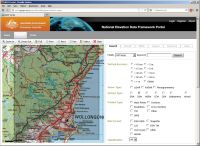
- At the top right, click Search.
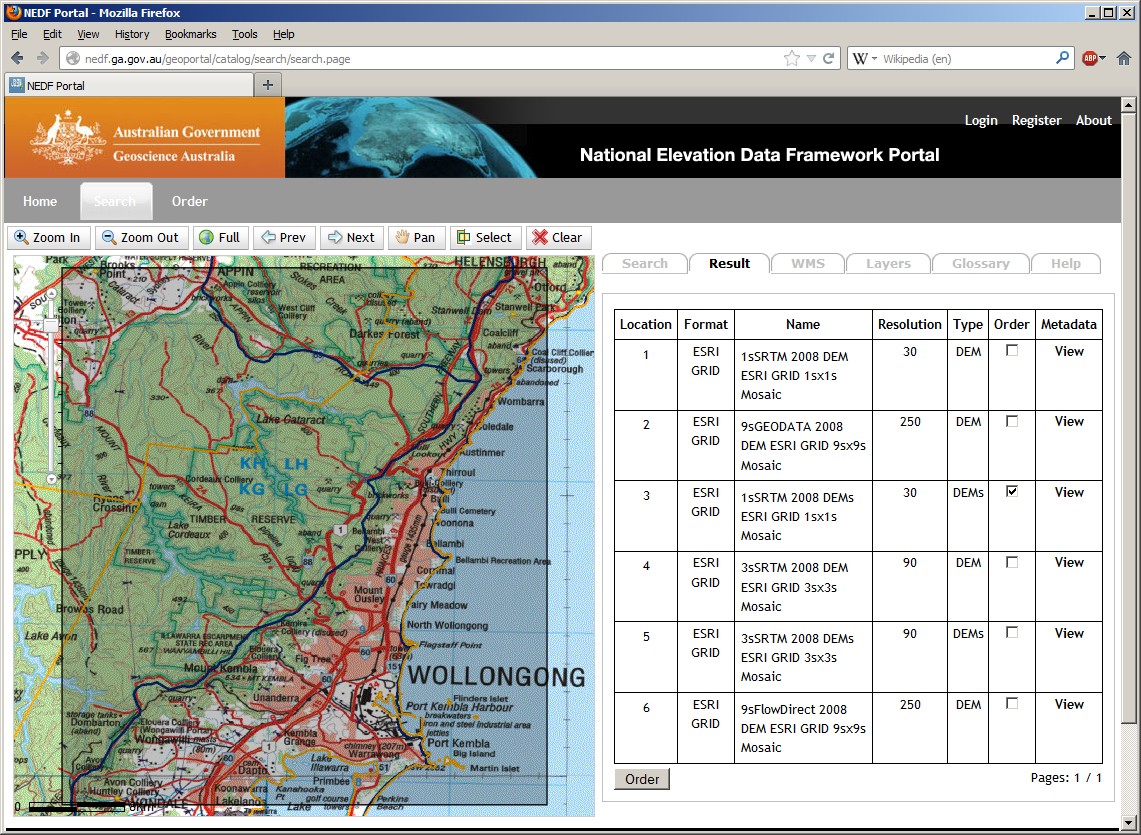
- On the results page, look for "1sSRTM 2008 DEMs ESRI GRID 1sx1s Mosaic". Resolution should be 30 (metres) and Type "DEMs". The Order check-box should be enabled.
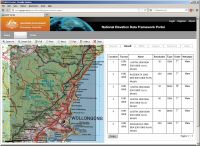
- Select the order checkbox and click "Order" (at the bottom).
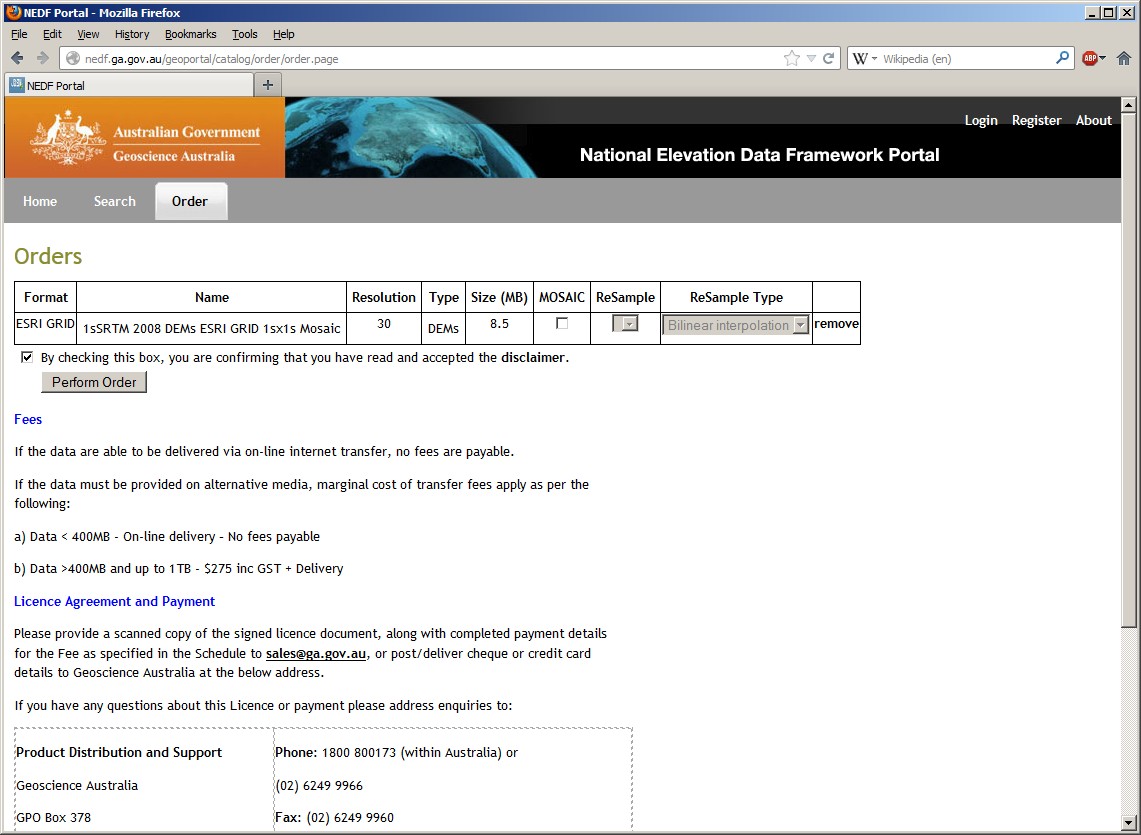
- On the order confirmation page make sure the order is below 400 MB. Read and accept the disclaimer and click on "Perform order"
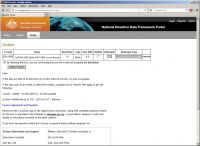
- On the next page, enter your name and email address and continue, clicking "Proceed with order".
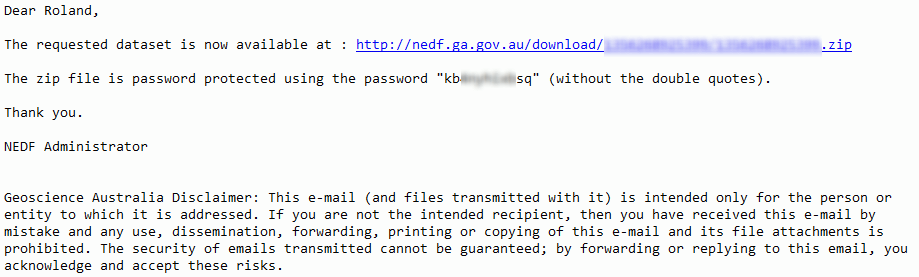
- Once the order is completed, you will receive a couple of emails. At the time of writing, these are four per order. The first two ones should appear fairly quickly. The first one is simple confirmation "NEDF Portal - Order has been received.". The second one claims to request signing a form: "NEDF Licence Form(s) need to be completed." which you should check for its attachment. This attachment should contain a Creative Commons licence which you don't have to sign. After these two you have to wait for a human to check your order. Normal working hours apply, hence no service during weekends, holidays or festive seasons. Finally the third and fourth email should arrive: "NEDF Data is now being processed.". The last one, "NEDF Data is now available." is the important one:
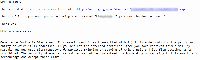
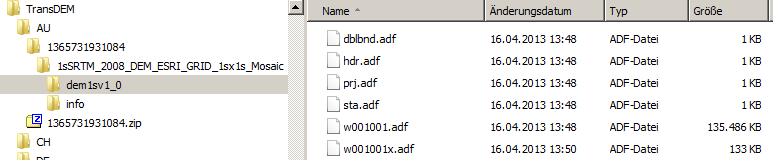
Download the data and unzip, using the password from the mail. - Launch TransDEM. Click the "Open DEM" function. Navigate to the location where you unpacked the NEDF data. There will be subdirectories similar to "1sSRTM_2008_DEMs_ESRI_GRID_1sx1s"_Mosaic and below "dems1sv1_0". In this last one, you will find a couple of .adf files. Select any of them. TransDEM will automatically process all other files needed.
- After reading the data, TransDEM will open a dialog to enter DEM grid width for UTM projection. Make sure it's 30m for 1 arc sec data.
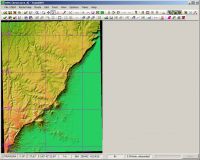
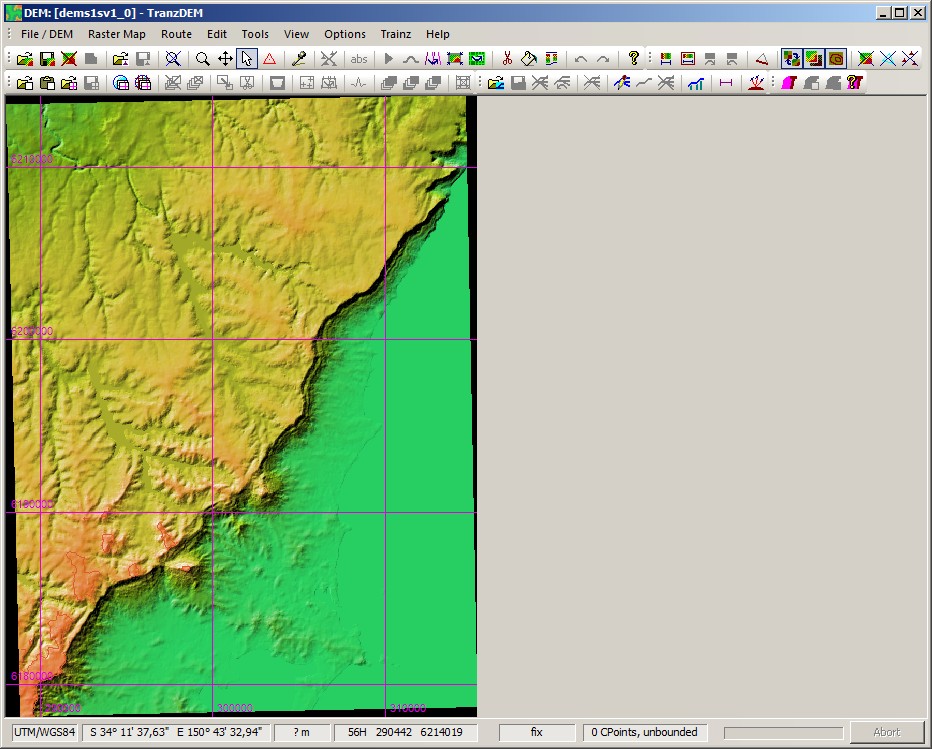
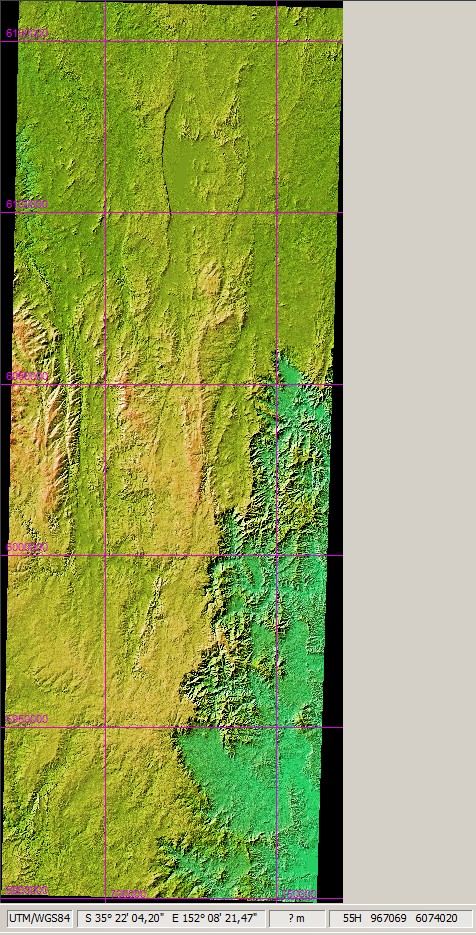
- TransDEM will re-project the data to UTM and display the result, shown here with smoothing and shading switched on.