Re: Geo Data - USA
Posted: 22 Dec 2012 15:28
After the changes of Dec 18, 2012, GeoTIFF is no longer available for 1 and 1/3 arc sec NED DEM. From now on and until the next change, "Arc Grid" (aka ESRI Binary Grid) is the choice for TransDEM.
Please note that your need TransDEM 2.3.1 to open DEM files in this format.
To obtain NED DEMs follow these steps:
Please note that your need TransDEM 2.3.1 to open DEM files in this format.
To obtain NED DEMs follow these steps:
- Start the National Map Viewer.
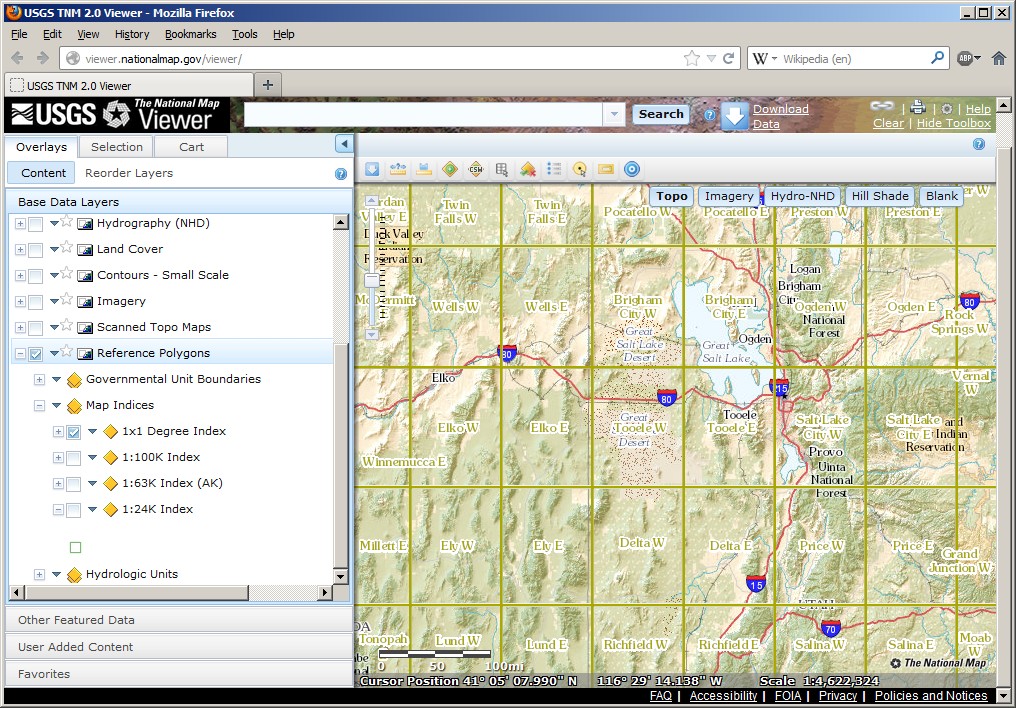
- In the left pane, "Content" | "Base Data Layers", select "Reference Polygons" | "Map Indices" | "1x1 Degree Index". As the DEMs come pre-packaged in large 1x1 degree chunks, it is helpful to see how many of those your are likely to get.
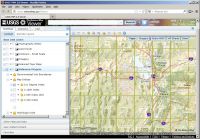
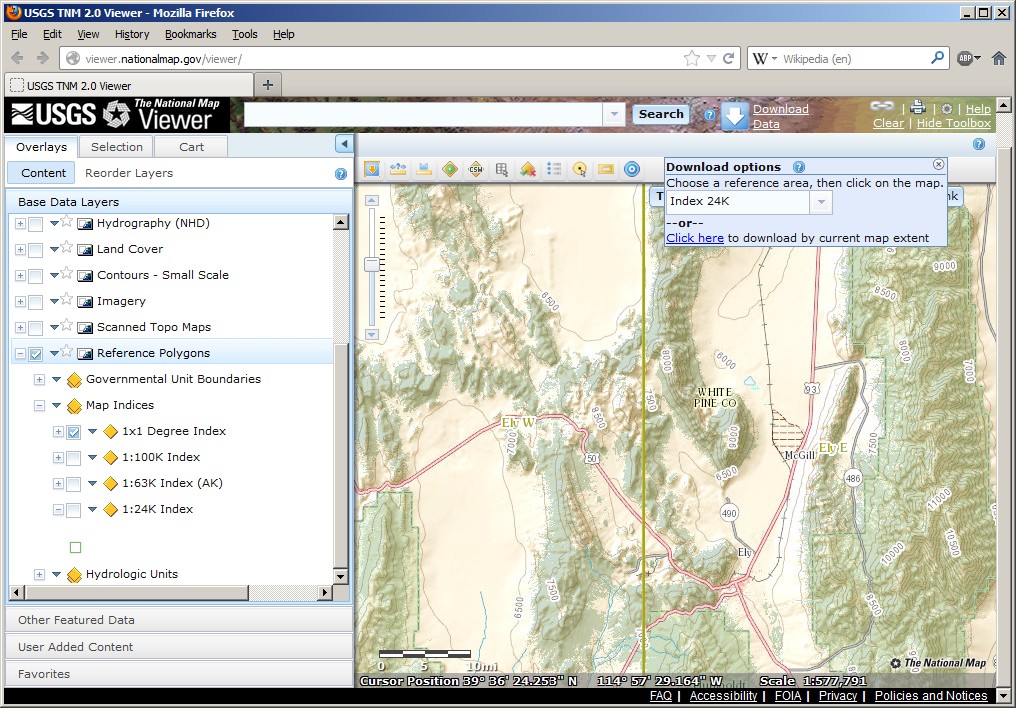
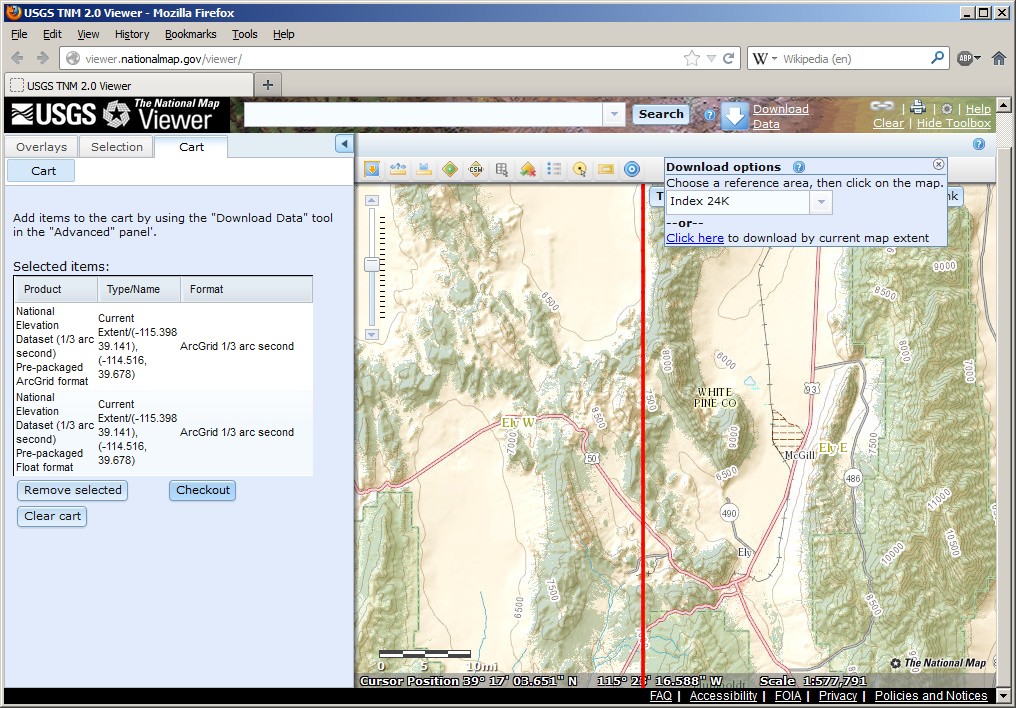
- You won't find "elevation" or "DEM" as content in the left pane. Instead use the map pane to zoom in to the area of interest:
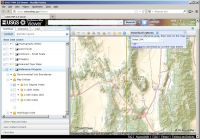
In this example the W115th Meridian passes through our area just west of Ely, Nv. You can also check the cursor coordinates in the map pane status line.
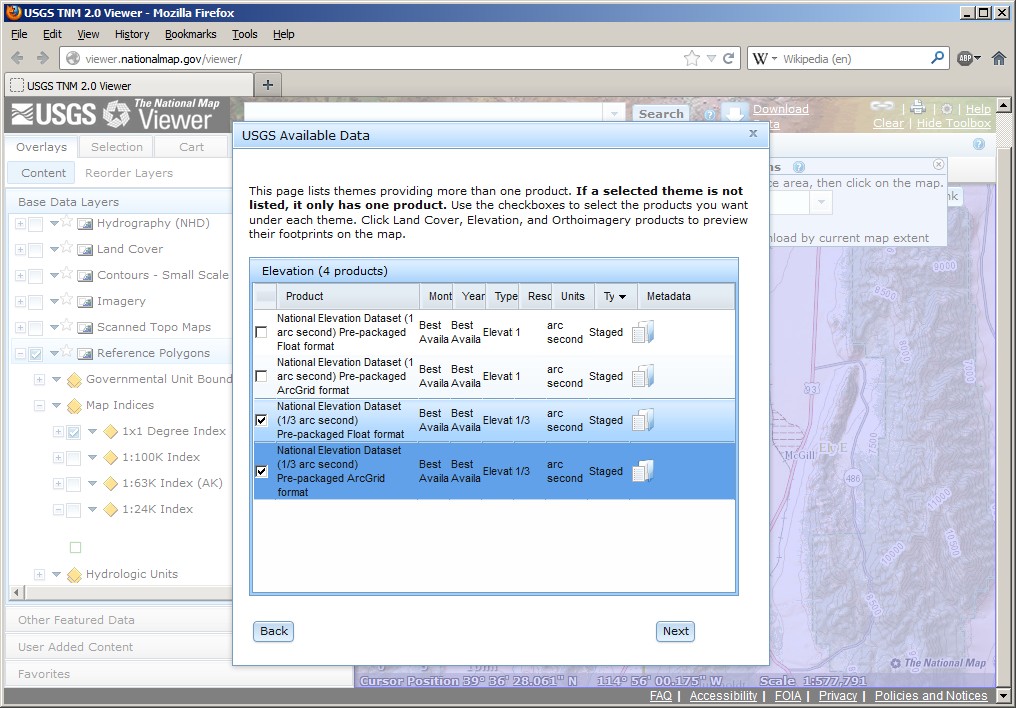
Click "Download Data". In the "Download options" pop-up, use "Click here" to download by current map extent. - A new dialog pops up, presenting you an "Elevation" option for the first time. Select it and set the format to "ArcGrid". Click "Next".
- That next dialog will show you the available products. You should find 1 arc sec and 1/3 arc sec. Check all 1 or 1/3 arc sec "staged" items. These will become the 1x1 degree files.
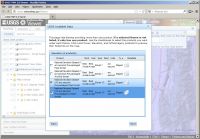
Click "Next". - Your selection will appear in the main window in the side bar on the left. Inspect your selection and click "Checkout".
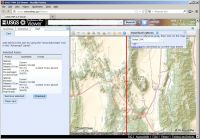
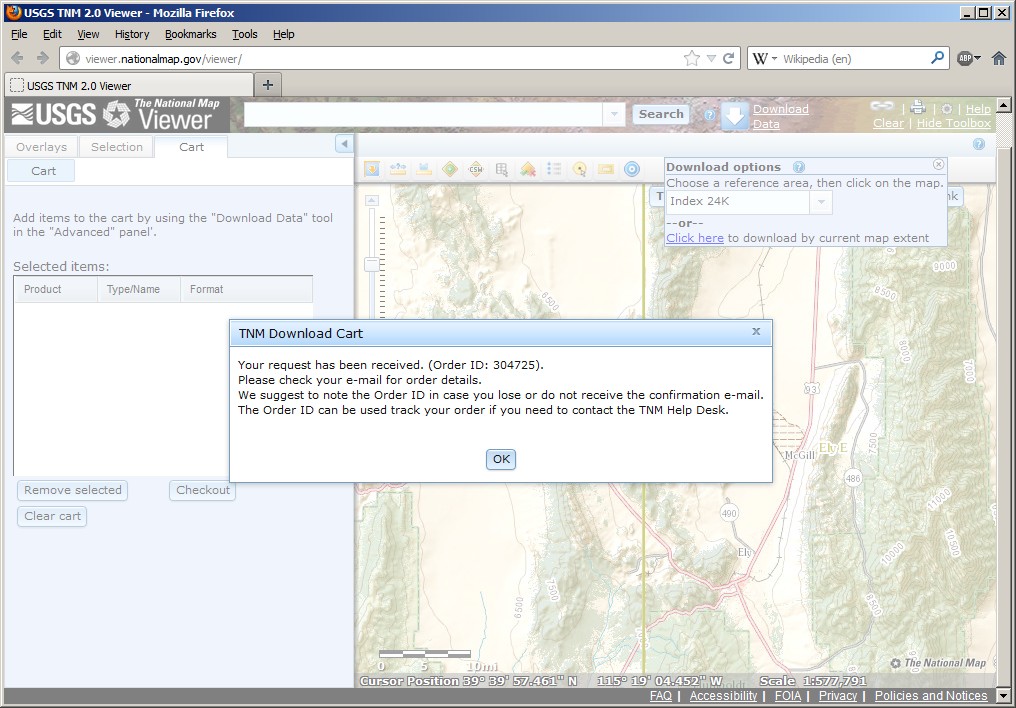
You will now have to enter your email address as you will get the download link by mail.
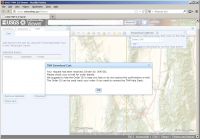
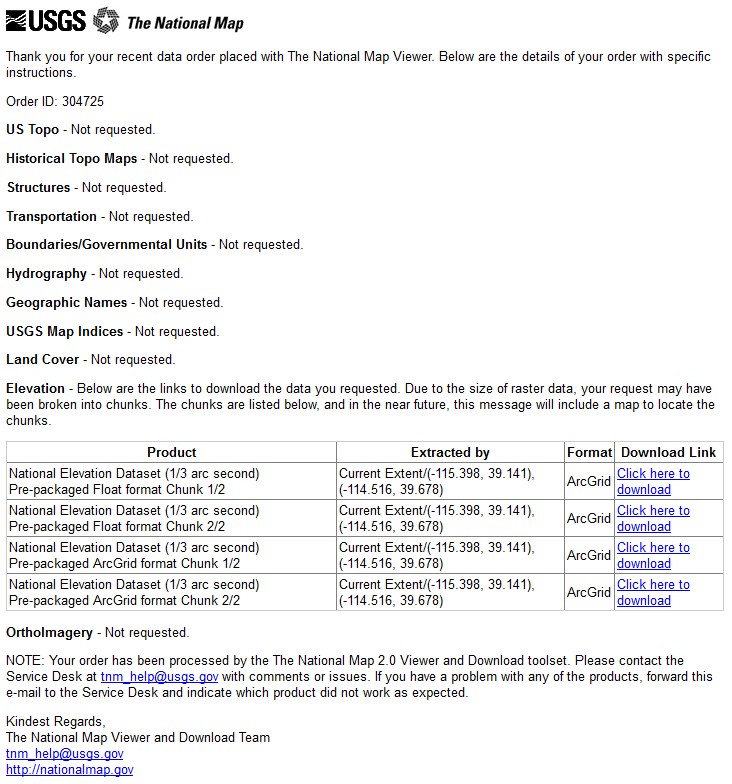
- You should receive message from USGS.gov shortly which will have the download links. It will look like this:
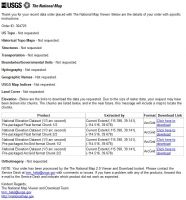
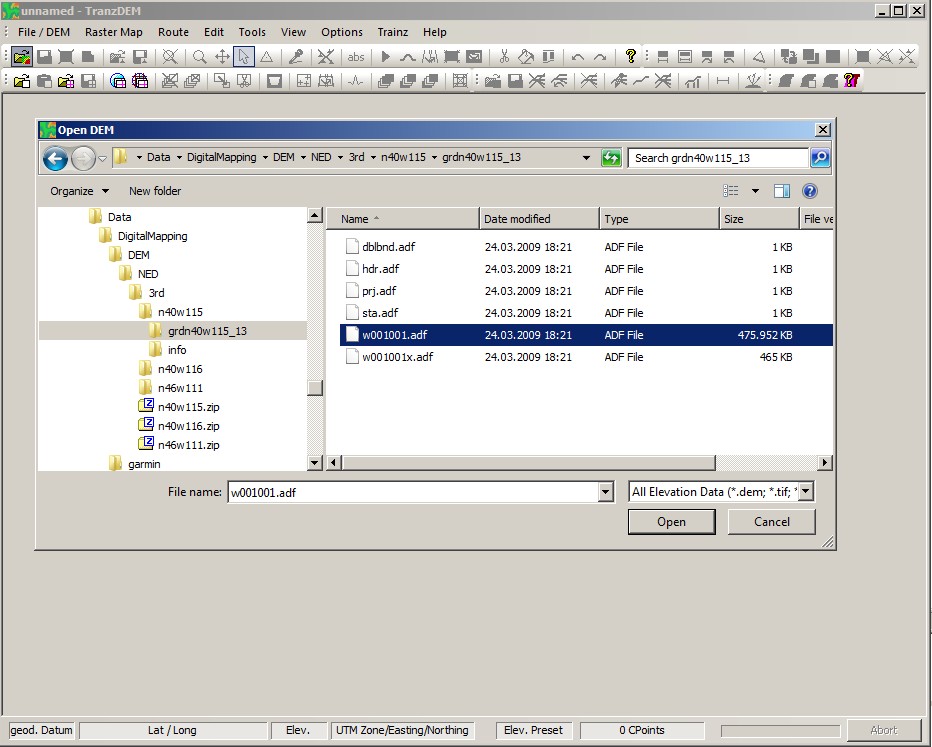
Apparently, the format pre-selection "ArcView" did not really work. Only click the download links, where the product description explicitly says "ArcGrid". These downloads will be huge, Expect between 300 and 400 MB per 1x1 degree chunk for 1/3 arc sec resolution. - The files will be named by longitude and latitude, very similar to SRTM or ASTER GDEM. In this example I get "n40w115" and "n40w116". Once the download is completed, unpack the zip package(s). Each package will have two subdirectories which are both part of the ArcGrid / ERSI Binary Grid data structure. We are only interested in the grd* folder, "grdn40w115_13" and "grdn40w116_13" in my example.
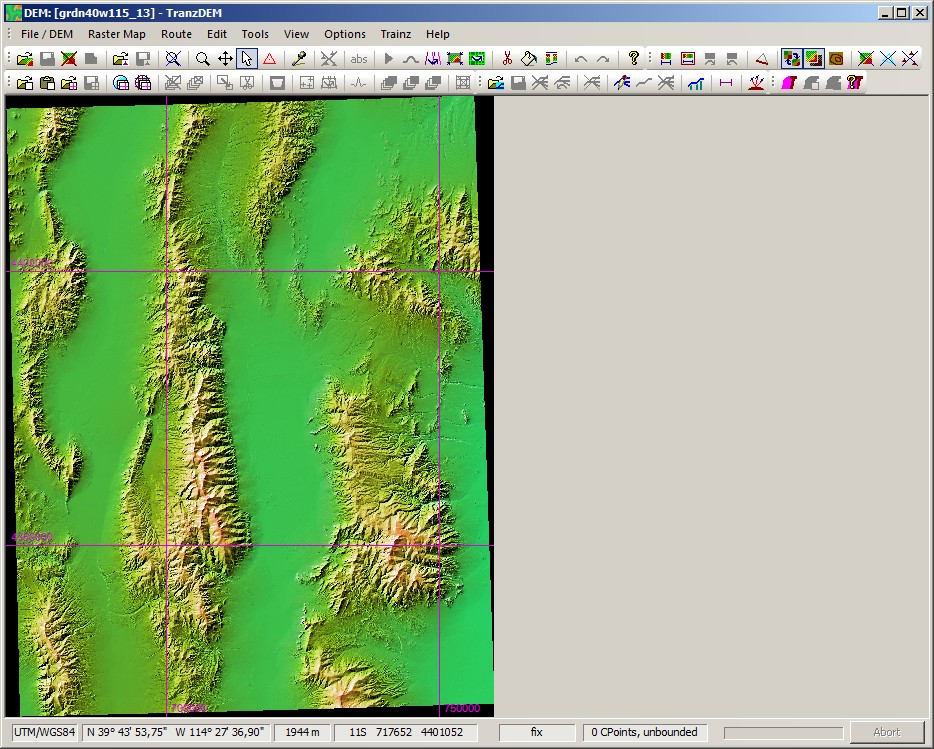
- In TransDEM, open any of the ".adf" in that subdirectory.
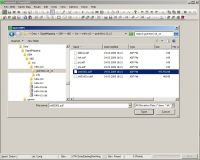
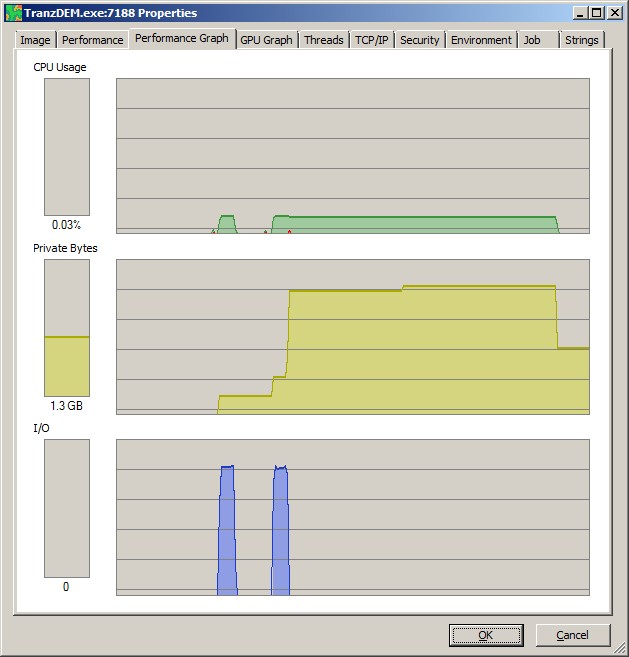
TransDEM will process all other files of this DEM automatically. With such large files you will notice the processing time. In the first phase of opening the DEM TransDEM reads the file data in raw format. Then the import dialog will pop-up, asking for grid width. Select 10m, it that's not the default already. (You may run into memory exhaustion with 5m). The second phase transforms the raw data into UTM. Depending on the number of CPU cores on your machine this phase may compute rather quickly, because TransDEM can parallelize this task. - Save the DEM.
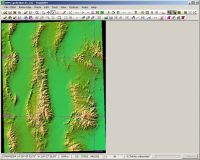
- You can try to merge two of the 1x1 degree 1/3 arc sec in TransDEM without prior clipping, but you will probably have to run TransDEM in a 64bit environment for this. My machine consumed 2.6 GB during the merge.
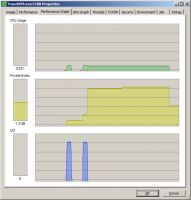
(Merging is still subject to optimisation, another task that can parallelized, in some future version of TransDEM).
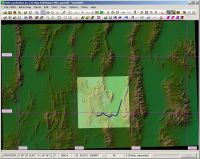
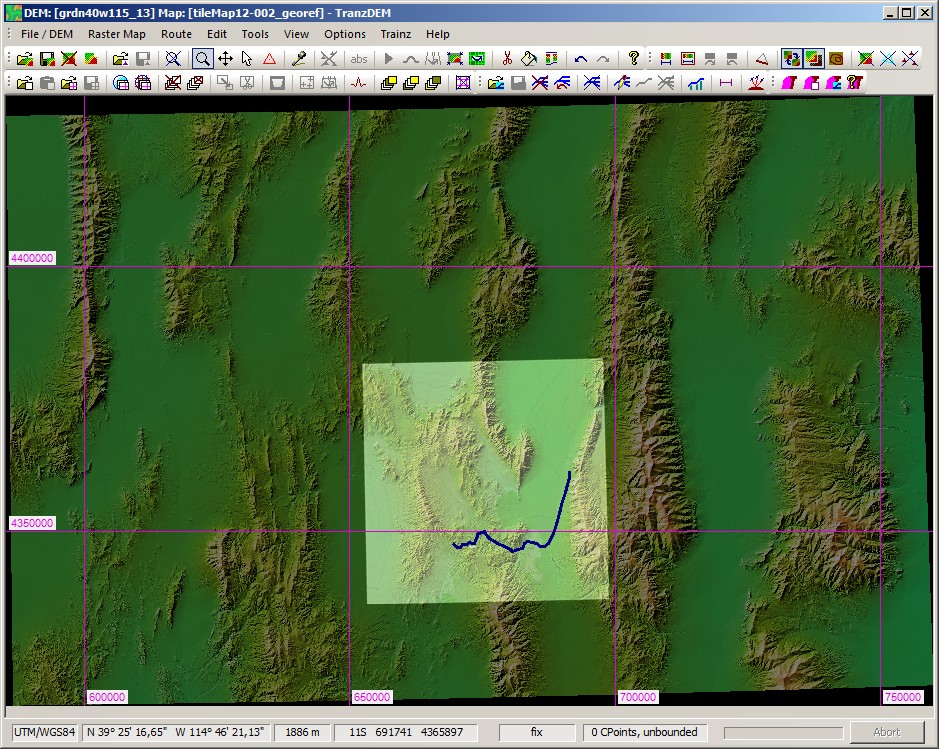
Final result with the two 1x1 degree DEMs merged and a map overlay for the Ely region: