Page 3 of 3
Re: Open Street Map Vector Data in TransDEM with JOSM
Posted: 22 Jun 2022 21:52
by erblanc0
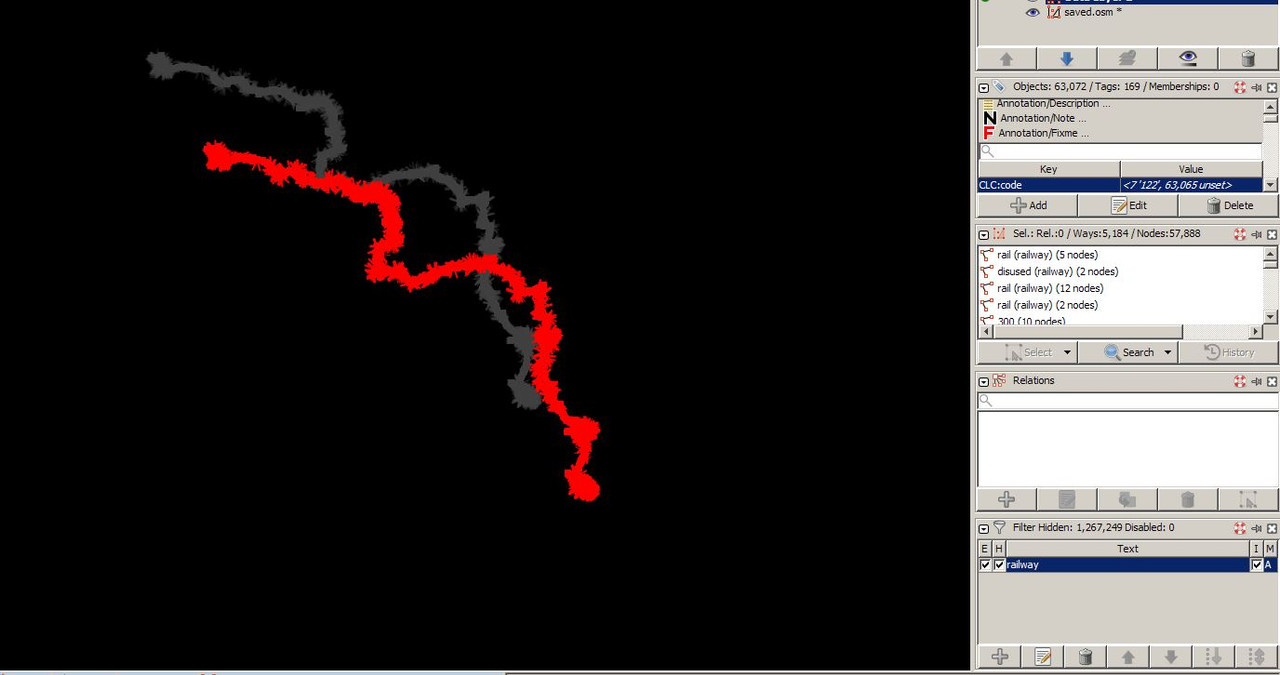
Exactly. Here is the copy-pasted new layer in JOSM:
Re: Open Street Map Vector Data in TransDEM with JOSM
Posted: 23 Jun 2022 08:30
by geophil
In JOSM, menu Edit: "Paste at source position" (or Ctrl+Alt+V) should do the trick.
Re: Open Street Map Vector Data in TransDEM with JOSM
Posted: 23 Jun 2022 11:11
by erblanc0
Yes, that worked perfectly. I exported the route again with the vectors in place, they show up in Trainz as they should.
My final question is, how can I place the vectors on my already-exported route ? I believe it was mentioned somewhere, but cannot find the topic.
I tried simply copying the new .trk file into my intial route, but all that did was to remove all tracks from the map.

Edit: found a procedure for this, but I'm getting
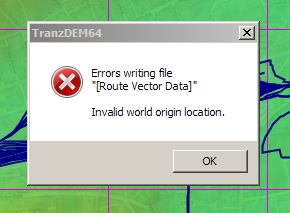
Edit2: I fixed the world origin, but something is not right..
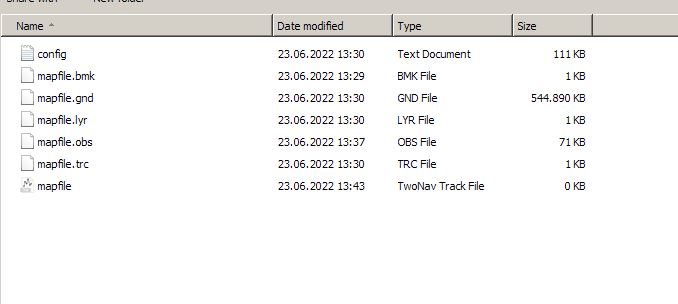
I opened for editing the route, but the Track export utility was not able to find it, so I copy-pasted the whole route folder into the Export folder (that I used to export the route initially) and it was able to see it there. I then ran the procedure to export the vectors, but the resultant trk file is empty:
Re: Open Street Map Vector Data in TransDEM with JOSM
Posted: 23 Jun 2022 12:04
by erblanc0
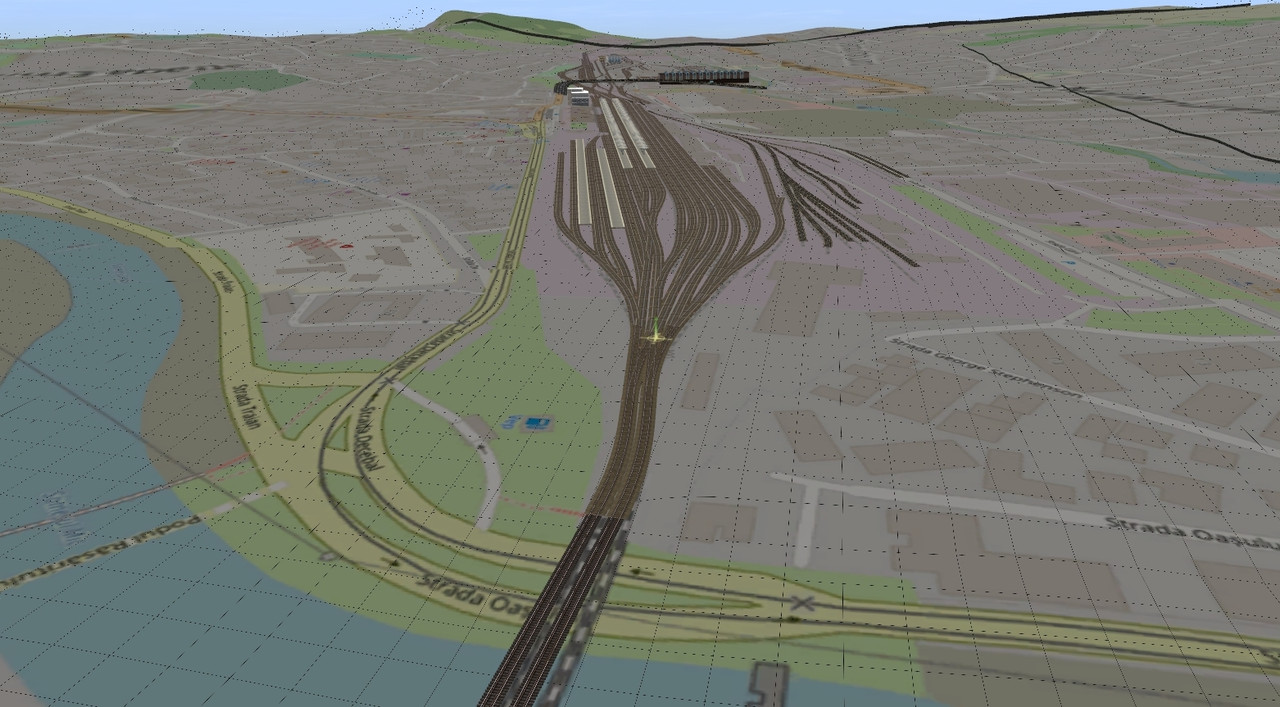
Ok, final edit, I managed to get everything correctly in Trainz.
Thanks for everything.