Problem exporting city streets

General TransDEM topics, not covered by other forums
Post Reply
Message
Author
wedgef5
Posts: 3
Joined: 29 Dec 2015 23:50

Problem exporting city streets

#1 Post by wedgef5 »

I think I may know what's going on here, but I thought I would check to see if I was maybe missing something.

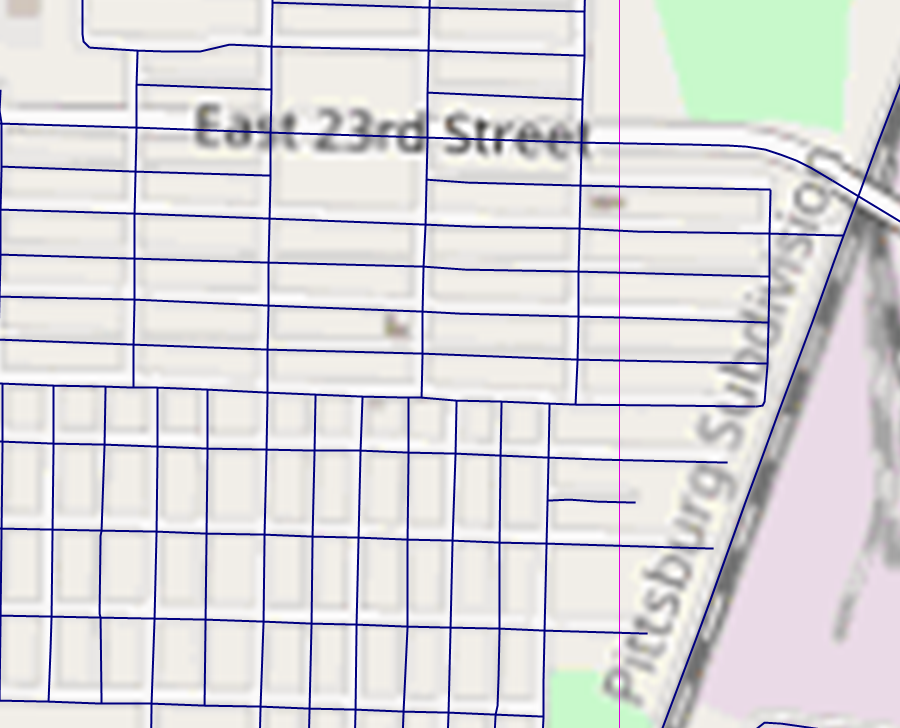
I have road vectors in TransDEM that look like this...
Image


They look pretty good are are relatively well aligned with the raster. When I import them into Trainz, they look like this...
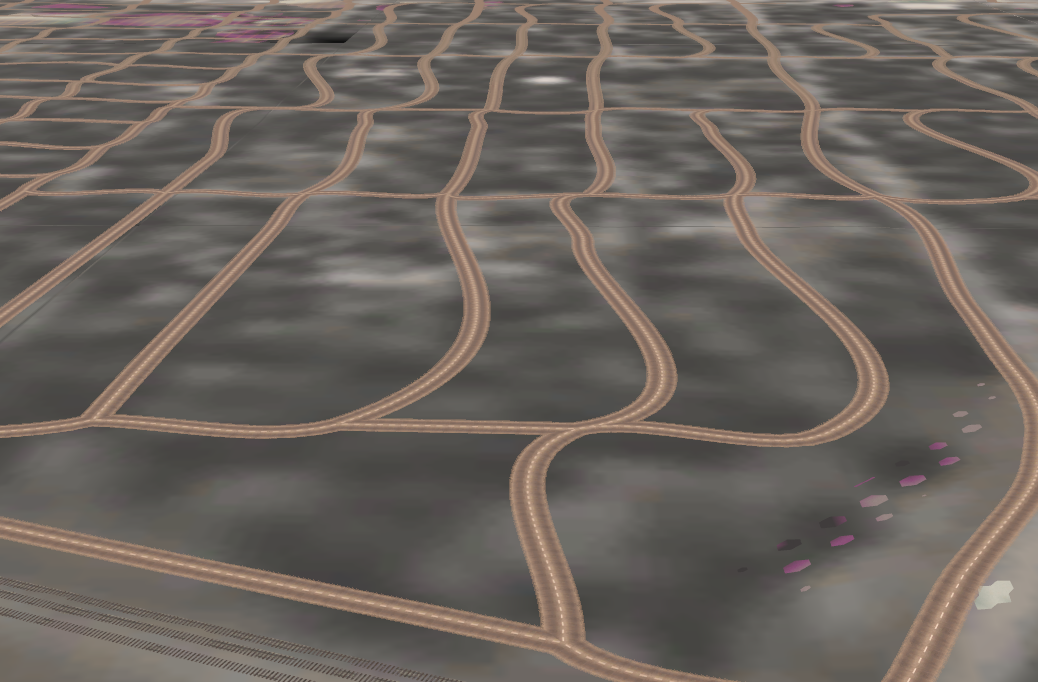

Image


Not so good. My suspicion is that intersection objects are needed where the streets cross to keep them straight and square, and TransDEM doesn't do that (I don't think it does anyway).

Am I correct on this? If so, is there some other way to do city streets in a semi-automated way, or is it best to just place them manually?

Thanks...

Matt
geophil
Posts: 1516
Joined: 05 Jan 2011 16:45
Contact:

Re: Problem exporting city streets

#2 Post by geophil »

The TransDEM vectors are converted into splines in Trainz and these splines do all sorts of funny things. We don't have much control here, other than with the number of points.

I suggest to export large-scale UTM tiles from TransDEM and try placing the road splines with Trainz Surveyor with the UTM tile texture as template.
wedgef5
Posts: 3
Joined: 29 Dec 2015 23:50

Re: Problem exporting city streets

#3 Post by wedgef5 »

OK...I figured there wasn't much, if anything, I could do from TransDEM. I will just place roads by hand in Surveyor.

Thanks for the quick reply!

Matt
OddRails
Posts: 14
Joined: 01 Sep 2016 00:07

Re: Problem exporting city streets

#4 Post by OddRails »

Matt,

In Trainz surveyor, from the object splines tab, you can use the "split spline (Q)" tool which will disconnect the splines from each other and relax some of the odd angles that resulted from Trainz connecting them together.
Then you can manually reconnect the most important splines that might allow traffic to flow.

Dave

(Oops. I didn't notice the topic was months old. Sorry.)
Post Reply